Lab 9
Debugging:
- Swicth to Debug prespective
- Set a break point in the code and start debugging the program
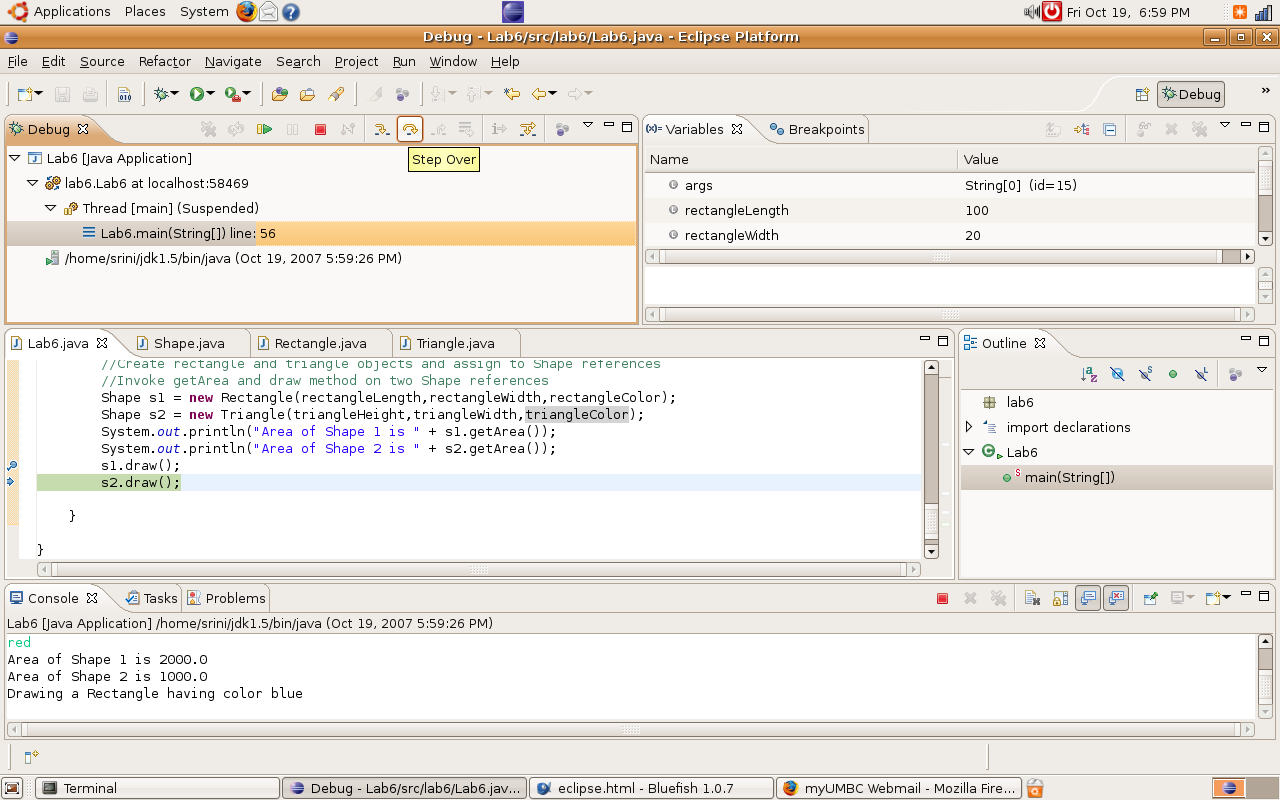
- On starting the debug option, the execution stops at the breakpoint
- Step over on the debug view executes current line and moves the execution pointer to the next line.
Step over is used to execute a step and know the results immediately
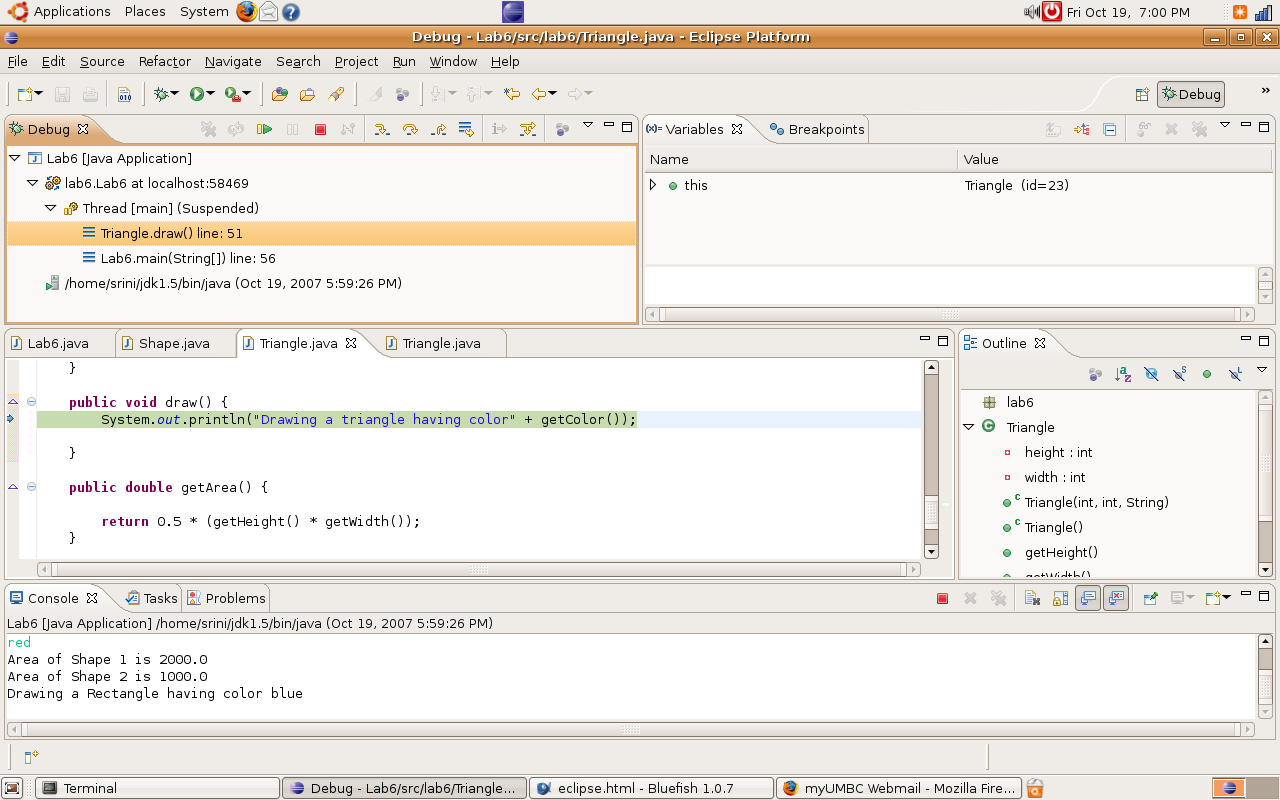
- Step in moves the execution control in to first line of the method present within the breakpoint line
Step in is used to debug the current instruction